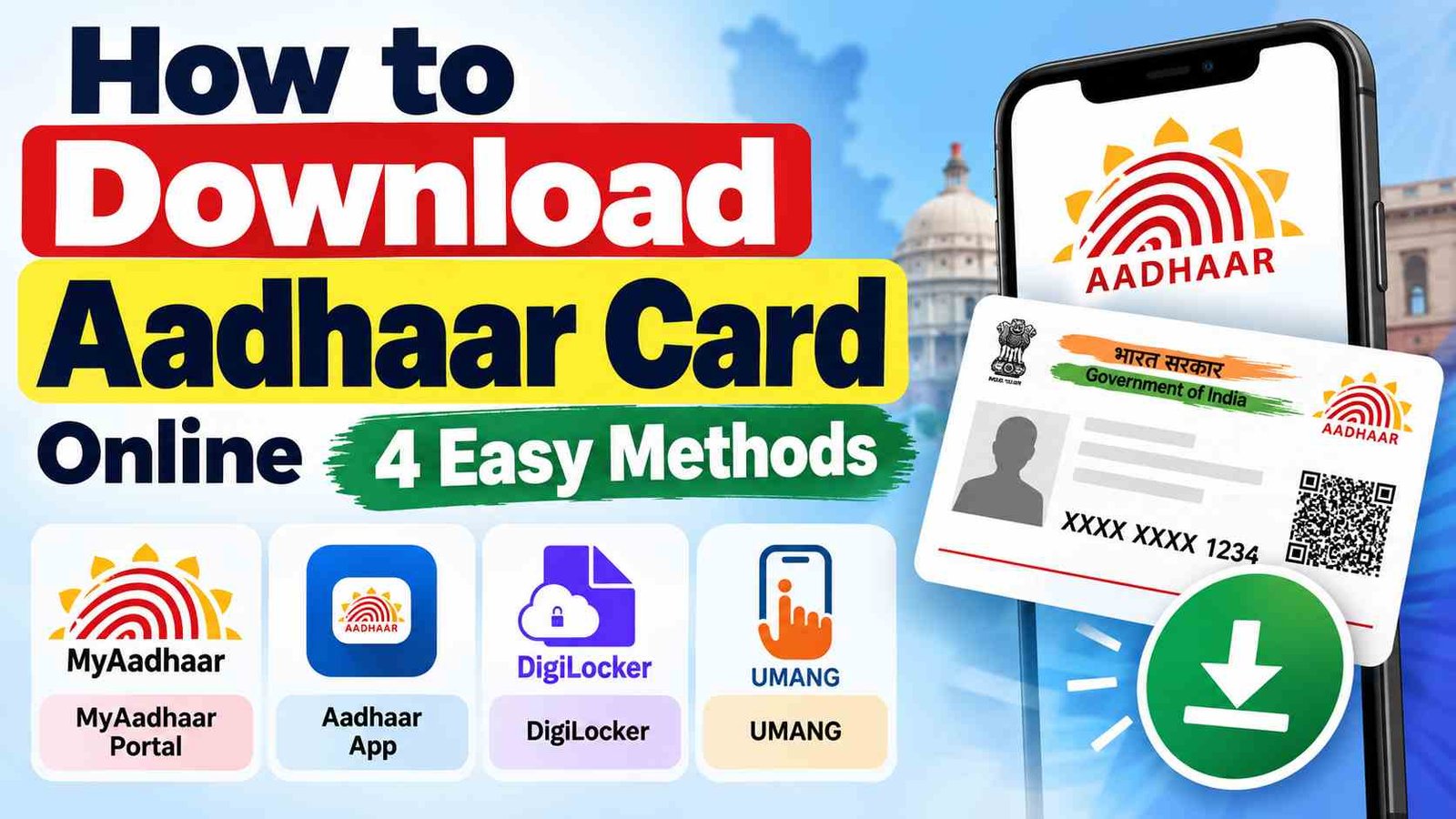
Aadhaar is an important identity document in India. If you need a digital copy of your Aadhaar, you can access it through different government-backed digital platforms.
If you are searching for how to download Aadhaar Card, the main options include the UIDAI MyAadhaar portal, official Aadhaar app, DigiLocker, and UMANG.
e-Aadhaar is a password-protected electronic copy of Aadhaar that is digitally signed by UIDAI. It can be used as a valid Aadhaar document for applicable purposes.
Ways to Download Aadhaar Card
You can access Aadhaar through these four digital sources:
- UIDAI MyAadhaar Portal
- Official Aadhaar App
- DigiLocker
- UMANG
The MyAadhaar portal and official Aadhaar app provide UIDAI’s e-Aadhaar services, while DigiLocker and UMANG provide access to government digital documents and services.
1. How to Download Aadhaar Card From MyAadhaar
The MyAadhaar portal is the official UIDAI platform for Aadhaar-related online services.
- Visit the official UIDAI MyAadhaar website https://myaadhaar.uidai.gov.in/.
- Open the Download Aadhaar service.
- Select the required option.
- Choose Aadhaar Number or Enrolment ID (EID).
- If using Aadhaar Number, enter your 12-digit Aadhaar Number.
- If using EID, enter your Enrolment ID (EID) from your enrolment acknowledgement slip.
- Complete the captcha.
- Request an OTP.
- Enter the OTP received on your registered mobile number.
- Complete verification.
- Download the e-Aadhaar PDF.
This is the direct UIDAI method for how to download Aadhaar Card online.
2. How to Download Aadhaar Card Using the Official Aadhaar App
The official Aadhaar app provides various Aadhaar-related services, including access to e-Aadhaar.
- Download and install the official Aadhaar app ANDROID and IOS.
- Open the application.
- Start the registration process.
- Enter your Aadhaar Number when requested.
- Follow the mobile verification instructions.
- Complete the required authentication.
- Set the required security PIN.
- Open the e-Aadhaar service.
- Follow the verification instructions.
- Download or access your e-Aadhaar.
Your Aadhaar Number may therefore be required when using the official Aadhaar app.
3. How to Download Aadhaar From DigiLocker
DigiLocker is a government digital-document platform that allows users to access available digital documents through their accounts.
- Open the official DigiLocker website or app.
- Sign in or create your DigiLocker account.
- Open the relevant Aadhaar/document service.
- Enter your Aadhaar Number when requested.
- If the service provides the option, you may also use your VID.
- Complete OTP or other required verification.
- Access your available Aadhaar document.
- Save or access the document through DigiLocker.
The exact information requested can depend on the DigiLocker service being used.
4. How to Download or Access Aadhaar Through UMANG
UMANG brings various government services together on one platform and provides access to Aadhaar-related services.
- Open the official UMANG website or app.
- Sign in or register if required.
- Search for Aadhaar.
- Select the relevant Aadhaar service.
- Enter your Aadhaar Number or Enrolment ID (EID) if requested by the selected service.
- Complete the required OTP or authentication process.
- Follow the instructions displayed on the screen.
- Access the available Aadhaar document or service.
The required information can vary depending on the particular Aadhaar service selected in UMANG.
Aadhaar Number vs Enrolment ID (EID)
Before following how to download Aadhaar Card, it is useful to understand the difference between these two details.
| Aadhaar Number | Enrolment ID (EID) | |
| What is it | A 12-digit number assigned to an Aadhaar holder. | The EID is provided on the Aadhaar enrolment acknowledgement slip. |
| Uses | It can be used for Aadhaar-related online services. | It can be used for certain Aadhaar services when the Aadhaar Number is not available. |
| Where to Find | on your Aadhaar document. | on the Aadhaar enrolment acknowledgement slip. |
How to Open the Downloaded e-Aadhaar PDF
After learning how to download Aadhaar Card, you may find that the downloaded PDF is password protected.
The password is generally First four letters of your name in CAPITAL letters + year of birth (YYYY)
Example
| Aadhaar Name | Birth Year | Password |
| RAHUL KUMAR | 1995 | RAHU1995 |
Is e-Aadhaar Valid?
Yes. e-Aadhaar is a digitally signed electronic version of Aadhaar and can be used as a valid Aadhaar document for applicable purposes.
After learning how to download Aadhaar Card, you can store the electronic copy on your phone or computer and print it when required.
What Is Masked Aadhaar?
Masked Aadhaar is an option that limits the display of your complete Aadhaar number.
With Masked Aadhaar:
- The first eight digits are hidden.
- Only the last four digits are displayed.
- It can be useful when the complete Aadhaar number is not required.
Important Tips When Downloading Aadhaar
While following how to download Aadhaar Card, keep these points in mind:
- Use official government websites and applications.
- Check that you are using the correct website or app.
- Keep your registered mobile number available when OTP verification is required.
- Never share your Aadhaar OTP with anyone.
- Do not enter your Aadhaar details on suspicious websites.
- Avoid sharing your complete Aadhaar information unnecessarily.
- Keep your downloaded document secure.
- Check your Aadhaar details after accessing the document.
Frequently Asked Questions
Can I download Aadhaar online?
Yes. e-Aadhaar can be accessed through UIDAI’s online Aadhaar services.
How can I download Aadhaar using my Aadhaar Number?
Open the MyAadhaar download service, select Aadhaar Number, enter your 12-digit Aadhaar Number, complete the verification and download the e-Aadhaar PDF.
Can I download Aadhaar using an Enrolment ID?
Yes. Where the EID option is available, select Enrolment ID (EID) and enter the enrolment details from your acknowledgement slip.
Can I access Aadhaar through the official Aadhaar app?
Yes. The official Aadhaar app provides Aadhaar-related services, including access to e-Aadhaar.
Can I access Aadhaar through DigiLocker?
DigiLocker provides access to available government digital documents. You may need to enter your Aadhaar Number or other information requested by the particular service.
Can I access Aadhaar through UMANG?
Yes. UMANG provides access to Aadhaar-related government services. The information required can depend on the specific Aadhaar service selected.
Is e-Aadhaar valid?
Yes. e-Aadhaar is a digitally signed electronic version of Aadhaar and is valid for applicable purposes.
Conclusion
If you are looking for how to download Aadhaar Card, you have several government-backed digital options. You can use the UIDAI MyAadhaar portal, official Aadhaar app, DigiLocker, or UMANG, depending on the service you need.
For MyAadhaar, you can use your Aadhaar Number or Enrolment ID (EID) where the relevant option is provided. Other platforms may request your Aadhaar Number, EID, VID, OTP, or other information depending on the service.
Always use official platforms and verify the website or application before entering your Aadhaar Number, EID, OTP, or other personal information.
